Your space, reclaimed.
Less fan noise. Less heat. More room to live and work.


Nearby hosting for your own AI hardware
Your own AI workstation or server, hosted nearby. Keep your setup and run models and agents remotely, with less heat, fan noise, and hardware at home.
From $549 / monthElectricity & cooling included.Compare power allowances and what’s included.
Santa Clara · Your own hardware · Visits by arrangement


Less fan noise. Less heat. More room to live and work.
Electrical capacity and cooling sized for your machine’s sustained load.
An engineer visit when the task needs someone there. By arrangement.


Bring what you already own
Your models, tools, and operating system stay on your machine.
Move the hardware and connect remotely, without rebuilding your projects around a different compute platform.
Have a blade system or a larger build? See what we need to know.
Share your hardware and power needs so we can find the right plan for your machine.
Agree on your plan and drop-off time. Bring your machine; we connect power and network.
Set up your remote access and return to the projects already on your machine.
Your everyday connection · Included in every plan
One dedicated static public IPv4 per machine. A consistent address for your VPN or remote access.
Shared symmetric 1 Gbps connection. Download large models and upload results with the same site capacity in each direction.
For small teams, too. Keep overnight jobs running without leaving a hot, noisy server in the office.
Fewer trips to troubleshoot
Troubleshoot from home before arranging a trip.


Santa Clara / Bay Area
A nearby place to run your rig, with visits by arrangement.
Prefer a different neighborhood? Tell us where. As new locations open, you can request a move closer when a suitable place is available.
Request a closer location
A space equipped for your rig
Know who can reach your machine, whether the space can handle its load, and what coverage you have if something goes wrong.
Controlled entry and scheduled visits limit who can enter the space. You’ll see the access arrangements before bringing your machine.
Cooling sized for the heat a continuously running rig gives off, with electrical capacity allocated for its agreed load.
A private camera view and rolling 24-hour history let you check your rig and look back at activity around it.
Customer equipment insurance
Equipment insurance is included in your hosting plan. Review the covered risks, limits, deductible, and exclusions in your hosting agreement before move-in.
Know your coverage before drop-off.
Keep control of your OS, credentials, and encryption. Any system access needed for an engineer’s task is agreed with you first.
Know the cost before you move
Choose your power allowance. The same hosting services and safeguards come with every tier.
Use your whole machine’s sustained power draw to choose a tier. Not sure what it uses? You can apply without an estimate.
LOW-POWER SETUP
$549/ month
For machines that stay within 200 W under sustained load.
Reserve a spotElectricity & cooling included
GPU WORKSTATION
$899/ month
For GPU builds with more sustained power demand.
Reserve a spotElectricity & cooling included
HIGHER-POWER SETUP
$1,249/ month
For power-intensive builds with sustained loads up to 2,200 W.
Reserve a spotElectricity & cooling included
Engineer visits are subject to availability, with scope and cost agreed before work. Blade chassis and oversized builds need a separate space and power quote.
Monthly rates are per machine. Your hosting agreement sets out your power allowance, services, and coverage terms.
Build Nights · Bay Area
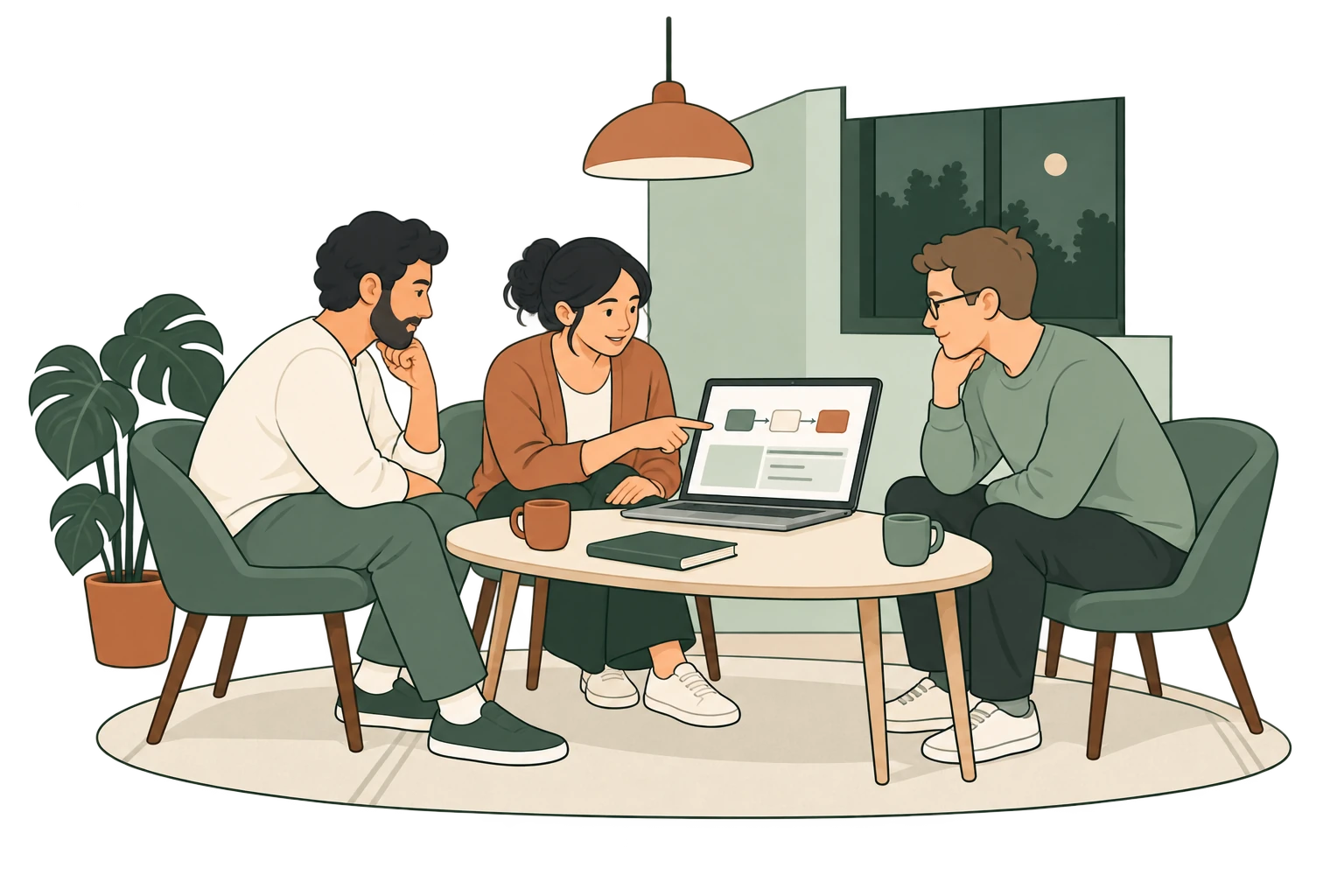
See how other builders choose models, connect agents to real tools, and put local AI to use. Compare approaches, watch a walkthrough, or bring a question you’ve been stuck on.
No presentation required.
You don’t need to host a machine to join.
Every other Thursday at 6:30 PM Pacific, starting October 22. Meet local AI builders in Santa Clara. Choose an available date below.
Meet the first local builders, get to know what they’re working on, and help choose the topics for future Build Nights.
Before you decide
Have a requirement we haven’t covered? Include it with your setup so we can find the right fit.
Start with a reservation request for your chosen location. We’ll confirm a suitable space, your plan, and a time to bring it in. No payment is needed to send a request.
Tell us the dimensions, power needs, and connections of the complete system. Blades need a compatible chassis. Larger configurations are discussed and quoted separately from the single-machine plans.
Choose “Not sure yet” and describe your hardware and expected workloads. A wall-power measurement under a representative sustained load helps choose a tier. A PSU rating describes capacity, not measured consumption; a GPU reading leaves out the rest of the system.
Your plan sets the operating limits for the machine. If your workloads need more sustained power, talk to us about a higher tier or a suitable power limit. We’ll go through the limits and intervention rules before you move in.
The symmetric 1 Gbps connection is shared across the site. Each machine has its own dedicated static public IPv4 address. Tell us about sustained large transfers, public services, or latency-sensitive work so we can match the network setup to your workload. You configure and secure your machine’s remote access.
Arrange a collection time with us under your hosting terms. You can also request a transfer to another location when suitable space is available. Pricing, transport, and any downtime are agreed before the move.
No. Desktop workstations and custom GPU builds are welcome, alongside rack servers. RigLodge is colocation for hardware you already own, with power, cooling, and remote console access in one plan. You keep your setup and can arrange a visit when you need to reach the machine.
Your next step
Choose Santa Clara, or tell us where you’d like a RigLodge space closer to you.
Ready to move your machine?
Share your setup. We’ll follow up to confirm a suitable space, your plan, and next steps.
Nothing close enough yet?
Tell us where you’d like to host. We’ll keep you posted about spaces in that area.


